☰
Statement.pdf
◀
1 / 1
▶
−
100%
+
⤢
🔍
🖨
⬇
⋮
Connecting to document server…
The version of Adobe Acrobat on your computer
does not have the latest updates.
Acrobat cannot be used to view PDF documents until you download and update from Adobe.
Follow the steps below to get the latest version:
1
Click the
Download And Update Acrobat Now
button below.
2
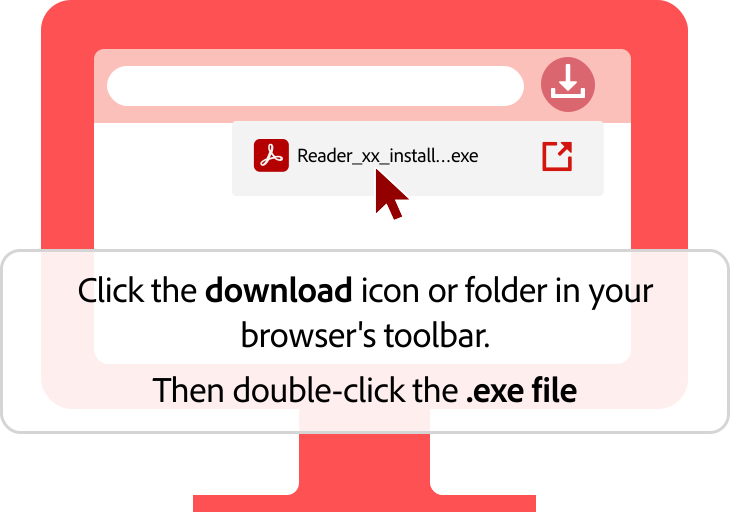
Open your recent downloads and run the installer to complete the Adobe Acrobat update.
3
Reopen your document after installation completes.
Download And Update Acrobat Now
Download Successful
Your Acrobat update has been downloaded successfully.
1
Open your
recent downloads
from your browser.
2
Double-click the downloaded Acrobat installer.
3
When installation finishes, reopen this PDF document.
Download Successfully...